

SPP (Scan–Plan–Print) Course

  • No CE

Apr 18, 2026
Fair Lawn, NJ

Description

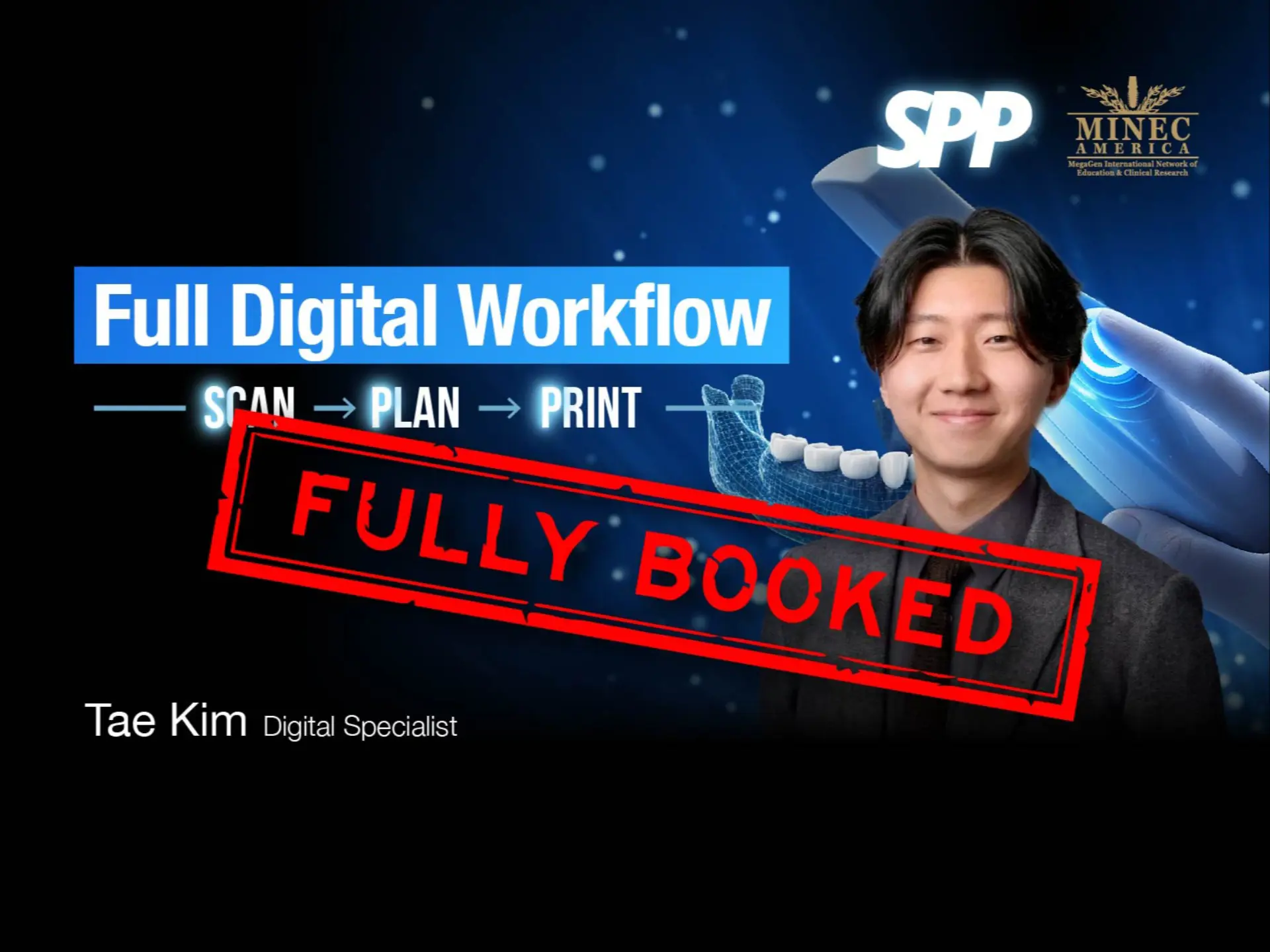
The SPP (Scan–Plan–Print) Course provides a structured introduction to a complete digital dentistry workflow, integrating diagnostic imaging, treatment planning, and prosthetic fabrication into a unified process.

This course covers the core components of digital implant dentistry, including CBCT acquisition (DICOM), intraoral scanning (STL), digital treatment planning with R2GATE, surgical guide design, and 3D printing of provisional restorations.

Participants will understand how a top-down treatment approach enables clinicians to plan prosthetics first, then execute implant placement accordingly—improving predictability, efficiency, and clinical outcomes.

The program is delivered in two phases:

  • Online sessions: Conceptual understanding of digital workflows and immediate loading protocols
  • Offline hands-on training: Case planning, surgical guide design, prosthetic design, and 3D printing execution

A key focus of the course is the immediate loading workflow, demonstrating how clinicians can prepare and deliver a provisional prosthesis on the same day as implant placement through fully digital pre-surgical planning.

Course Objective

By the end of this course, participants will be able to:

1. Digital Data Acquisition

  • Acquire and interpret CBCT (DICOM) and intraoral scan (STL) data
  • Understand anatomical requirements for safe implant planning (sinus, nerve tracing)
  • Perform accurate data capture for both surgical and prosthetic workflows

2. Data Integration & Planning

  • Perform DICOM–STL superimposition and verify alignment accuracy
  • Utilize R2GATE software for:
    • Virtual extraction
    • Diagnostic wax-up
    • Implant positioning based on prosthetic design
  • Apply top-down treatment planning principles

3. Implant Planning & Safety

  • Determine optimal implant position using:
    • Bone density analysis
    • Distance measurements (adjacent teeth, nerve, crest)
  • Apply safety protocols including nerve tracing and offset management
  • Select appropriate implant systems, abutments, and components pre-surgery

4. Surgical Guide Design

  • Design non-sleeve or sleeve-type surgical guides
  • Set insertion paths, block out undercuts, and optimize seating
  • Understand and apply offset concepts for guided surgery systems
  • Prepare guides for accurate and predictable clinical use

5. 3D Printing Workflow

  • Prepare STL files for printing using slicing software
  • Optimize print setup (orientation, supports, build efficiency)
  • Execute post-processing:
    • Washing
    • Drying
    • Curing
    • Hole and stopper refinement

6. Prosthetic Design & Fabrication

  • Design provisional crowns and custom abutments using CAD software
  • Utilize diagnostic wax-up for direct prosthetic design
  • Adjust tolerance settings for optimal fit
  • Understand options: custom abutment, Ti-base, stock abutment

7. Immediate Loading Protocol

  • Prepare prosthetic components before surgery
  • Execute same-day delivery workflow after implant placement
  • Evaluate implant stability (e.g., ISQ) for immediate loading indication
  • Deliver functional provisional restorations with minimal adjustment

8. Clinical Workflow Integration

  • Implement a full digital workflow from scan to delivery
  • Improve treatment efficiency, accuracy, and patient communication
  • Understand the role of labs vs in-house production

Outcome:

Participants will gain the ability to plan, design, and fabricate implant restorations digitally, and confidently apply an immediate loading workflow in clinical practice through a predictable, reproducible SPP protocol.

Alternate Text